ServeMon
brew services says started but the service is not running
The examples use postgresql@17; swap in redis, mysql, or mongodb-community and the same steps apply. Paths are for Apple Silicon (/opt/homebrew); on an Intel Mac use /usr/local.
Read the log
tail -n 50 /opt/homebrew/var/log/[email protected]Homebrew's plists send stdout and stderr to /opt/homebrew/var/log/<formula>.log (MySQL writes its own /opt/homebrew/var/mysql/<hostname>.err instead). The last lines almost always name the problem: a port in use, a data directory from an older major version, a permissions error, or a bad line in the config.
Ask launchd what it thinks
brew services info postgresql@17
launchctl print gui/$(id -u)/homebrew.mxcl.postgresql@17 | grep -E 'state|pid|last exit'
Homebrew's started means the job is loaded and, as of its last look, had a process. If the process exits, you get error with an exit code, or started again while launchd relaunches it every few seconds because the plist has KeepAlive. The launchctl print line shows the real state and the last exit code.
Is anything listening?
lsof -nP -iTCP:5432 -sTCP:LISTENIf another process owns the port (a Docker container, a Postgres.app server, a copy you started by hand), the Homebrew one starts, fails to bind, and exits. The log says could not bind IPv4 address "127.0.0.1": Address already in use. Stop the other one or change the port in postgresql.conf.
A stale pid file
cat /opt/homebrew/var/postgresql@17/postmaster.pid | head -1
ps -p $(head -1 /opt/homebrew/var/postgresql@17/postmaster.pid)
After a crash or a hard reboot, Postgres can refuse to start because postmaster.pid names a process that no longer exists (the log says lock file "postmaster.pid" already exists). If ps shows no such process, delete the file and start again. Redis and MySQL keep similar pid files under /opt/homebrew/var/run and the MySQL data directory.
A wrong or stale plist
cat ~/Library/LaunchAgents/[email protected]
brew services stop postgresql@17 && brew services start postgresql@17
The plist in ~/Library/LaunchAgents is a copy of the one in the formula's keg, made when you first ran brew services start. After an upgrade the copy can point at a binary path or a data directory that has moved. Stop and start rewrites it from the current keg. If you once ran sudo brew services, there may also be a copy in /Library/LaunchDaemons competing with it; remove one.
The data directory is from an older major version
cat /opt/homebrew/var/postgresql@17/PG_VERSIONIf that number is not 17, the server refuses to start with database files are incompatible with server. Homebrew's brew postgresql-upgrade-database postgresql@17 runs pg_upgrade for you; take a copy of the directory first.
Redis and MySQL: same steps, different files
tail -n 50 /opt/homebrew/var/log/redis.log
ls /opt/homebrew/var/mysql/*.err
launchctl print gui/$(id -u)/homebrew.mxcl.redis | grep -E 'state|last exit'
Redis logs to /opt/homebrew/var/log/redis.log and reads /opt/homebrew/etc/redis.conf; a bad dir or an unwritable dump file is the usual start failure. MySQL ignores the launchd log path and writes <hostname>.err inside /opt/homebrew/var/mysql. The launchd label is always homebrew.mxcl.<formula>.
Then confirm it answers
pg_isready -h 127.0.0.1 -p 5432
redis-cli ping
mysqladmin -h 127.0.0.1 -P 3306 ping
Only these mean fixed. A green started in brew services list after the restart is necessary but not sufficient; check the log once more a few seconds later if the service has a habit of dying after startup.
The easier way
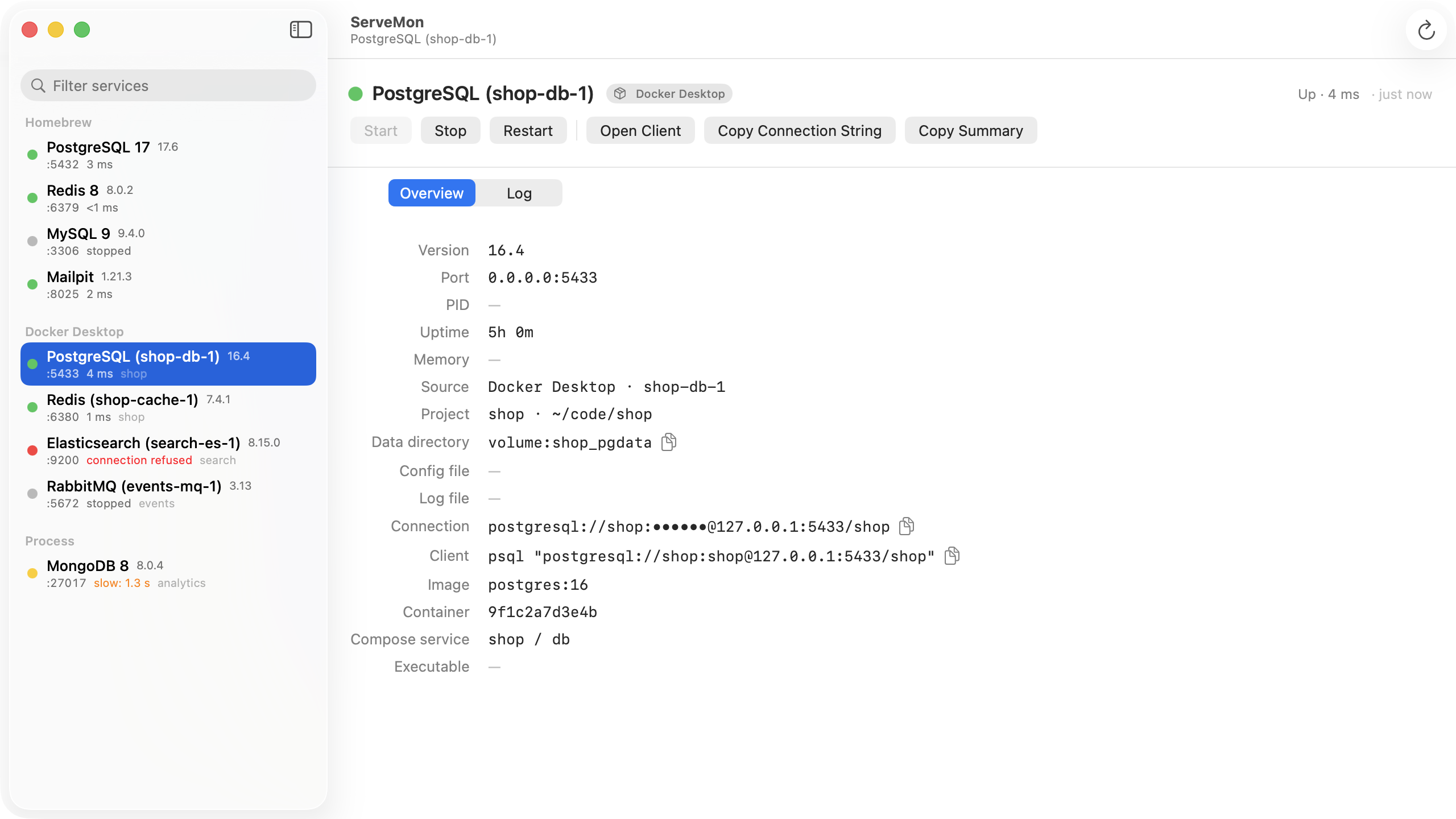
ServeMon reads the same plists and asks the same server, but it does the second part continuously. A Homebrew service whose job is loaded and whose process is missing shows as stopped; one whose process is up but refuses the protocol handshake shows red, with the log one tab away.